How do I create or import (multiple) wells?
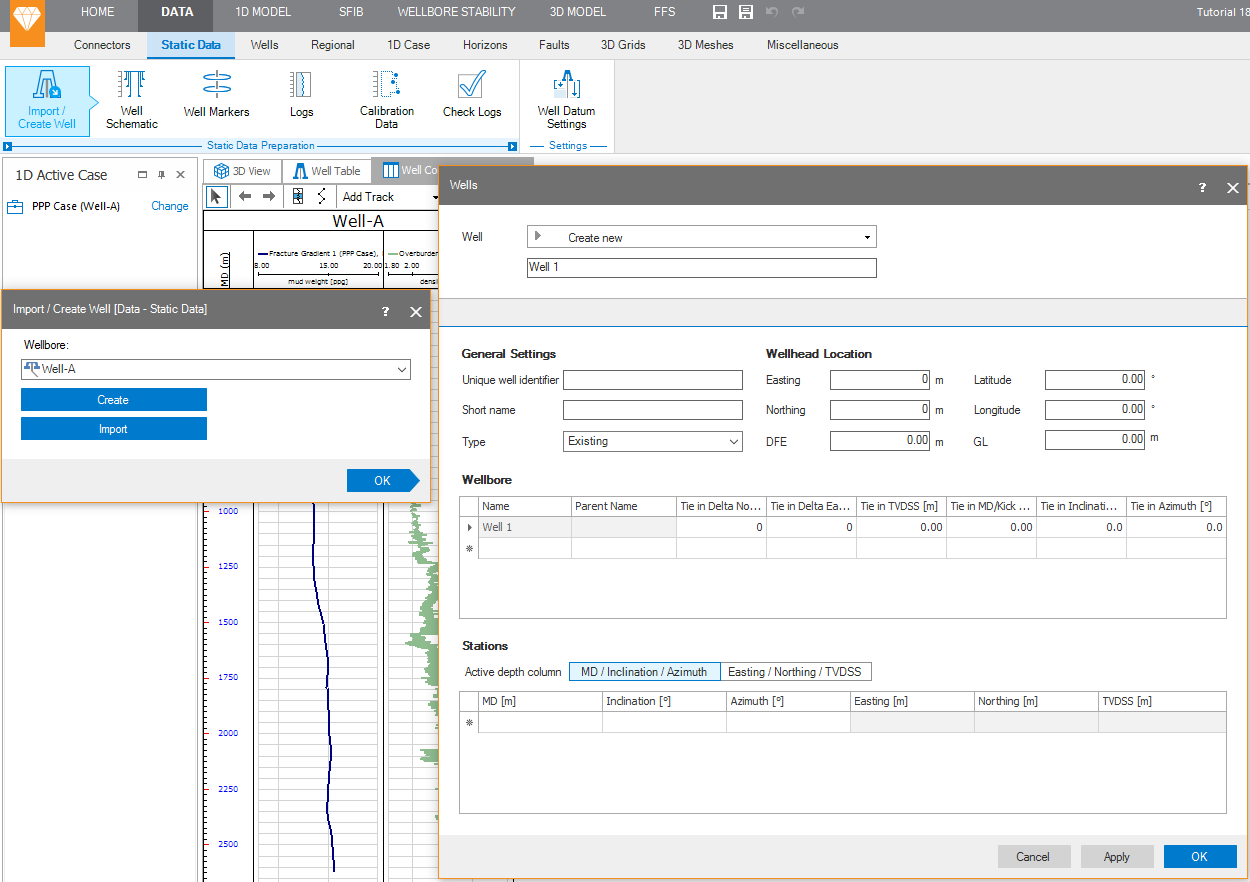
Go to DATA > Static Data > Static Data Preparation > Import/Create Well to open the Import/Create Well form, and then click Create.
This will open the Well form, where you can manually specify the well header, wellbores and stations for the new well. You can also copy and paste from another application.
click to enlarge
You use the Import option to open the Import Well Data dialog where you can select wells for import in various formats. Use the User Defined Column type to import wells from CVS or TXT data files.